

If you have purchased any Ebooks you should use the Multilingual & Channel View app on your iOS or Android phone or tablet, or Windows or Mac computers to read your books. If you already have the Multilingual & Channel View app on your phone or tablet, go to MY BOOKS and your books will already be waiting for you. If you don’t yet have app, simply download it from here and then log in with the email address used for your purchase. Your new books will be displayed on the MY BOOKS page.
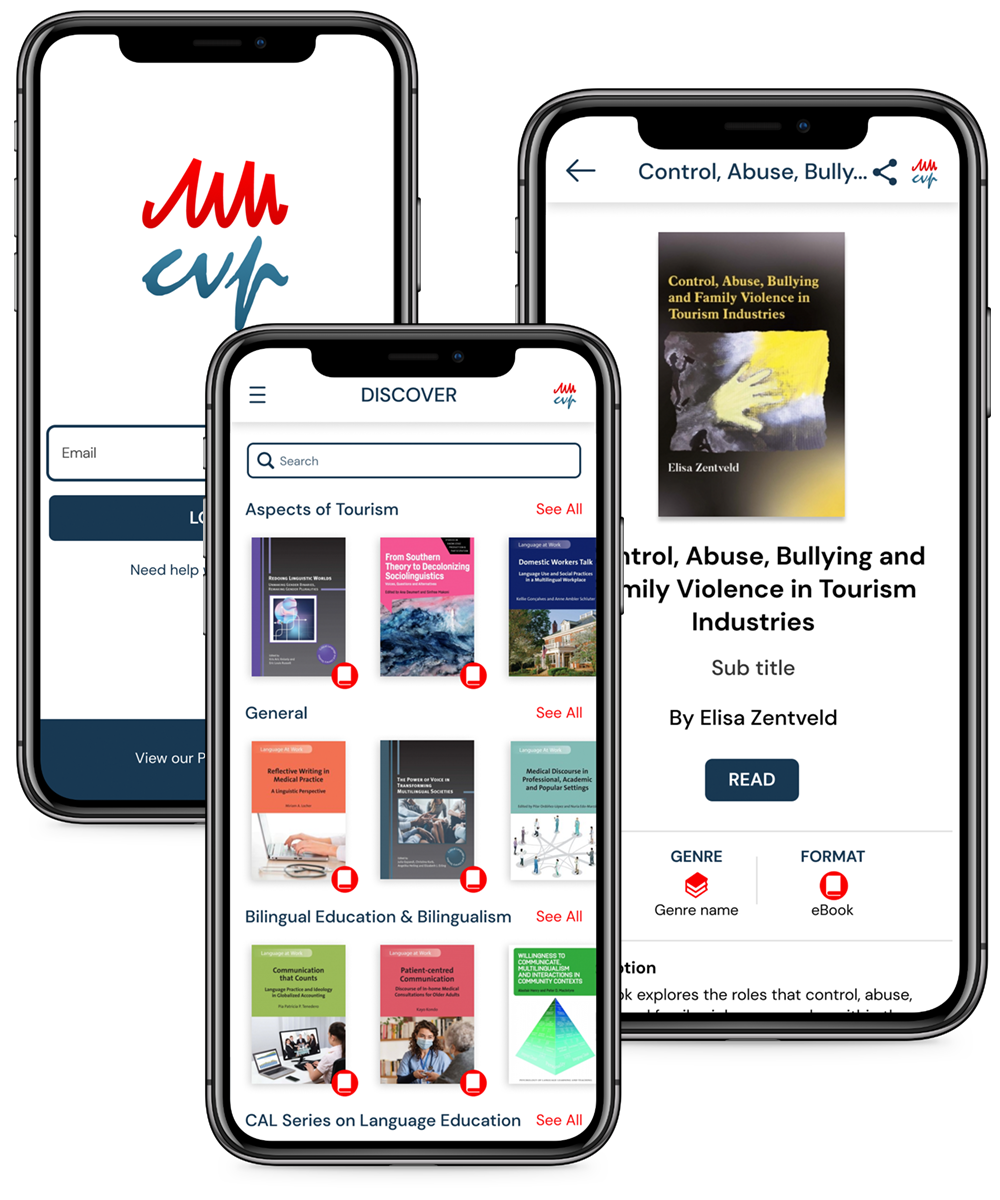
Instead of installing our app, you can use our browser reader to read or listen to your books by going to https://mmcvp.glassboxx.co.uk and logging in with the email address used for your purchase. The browser reader can be used for Ebooks that are Epubs, but not PDFs.
If you have any questions about your order or the Multilingual & Channel View app, please go to our FAQ or contact us at help@glassboxx.com.